Infrastructure Device ManagerTM

Legrand Infrastructure Device Manager (IDM) is a centralized software solution that automates and consolidates configuration — enabling consistent, secure, and efficient management of rack-level infrastructure at scale. This unified platform standardizes setup, firmware updates, and maintenance tasks to reduce manual effort. IDM simplifies configuration and firmware management for Server Technology® PRO3X and PRO4X Xerus®-based platforms[KO1.1] and helps minimize downtime while improving consistency, security, and operational efficiency across your rack-level devices.

IDM is device-centric, easy to deploy, and simple to use. Experience immediate value with quick and simple setup and no complex prerequisites. Unlike traditional solutions, IDM connects directly to Xerus-based devices via standards-based networking protocols, either manually or through device discovery, and centralizes data in a unified interface. Quickly set up an IDM instance and apply configuration settings across racks, rows, and sites of Xerus-based devices. Bulk firmware updates can be managed at scale — up to 1,000 [KO2.1][EB2.2]Xerus-based devices simultaneously.

View the Data Sheet Download Software

Key Benefits of Centralized Software

Unified Observability

IDM aggregates Xerus-based devices into a centralized dashboard, providing at-a-glance visibility across rows, rooms, and sites.

Consistency and Security

IDM’s centralized solution supports bulk device setup and bulk firmware updates, ensuring consistency and reducing human error.

Leadership Aligned Outcomes

IDM demonstrates ROI through risk avoidance, faster deployments, and reduced mean time to repair (MTTR).

Device-Centric Simplicity

IDM is deployed and managed through a single dashboard without asset modeling, floorplans, or digital twins.

Product Enhancement

IDM includes firmware updates and future maintenance upgrades.

Features that Improve Firmware Management

IDM is designed to improve efficiency of Xerus-based devices with secure access, real-time scheduling, network device visibility, bulk device setup and firmware management, and support for large-scale deployment.

Scheduled Tasks Management

Automate administrative actions and maintenance activities based on schedules or predefined triggers.

Device Discovery

Automatically or manually discover Xerus-based devices connected to the management network, including unidentified supported devices. .

Bulk Device Setup

Create configuration templates and apply settings to multiple devices simultaneously using templates or a bulk configuration file.

Bulk Firmware Management

Deploy firmware updates across multiple selected devices from a centralized interface to reduce administrative effort and improve consistency.

Large-Scale Deployment Supports

Reduce deployment cycles, manual effort, and configuration errors across Xerus-based devices.

  • Device Discovery
  • Bulk Device Setup
  • Bulk Firmware Management
  • Scheduled Task Management
  • Large-Scale Deployment

How it Works

Deploy →

Install IDM from an ISO image on a self-hosted platform within customer-managed virtual infrastructure, accessible through a web browser. (No client software required)

Discover →

IDM discovers Xerus-based devices with network connectivity on a management network, either manually or automatically.

Configure →

Apply configuration templates or bulk configuration files to groups of devices to ensure consistency and reduce setup time.

Update & Automate →

Deploy firmware updates in bulk and automate recurring maintenance tasks for devices.

  • System Requirements
    Compatible Devices

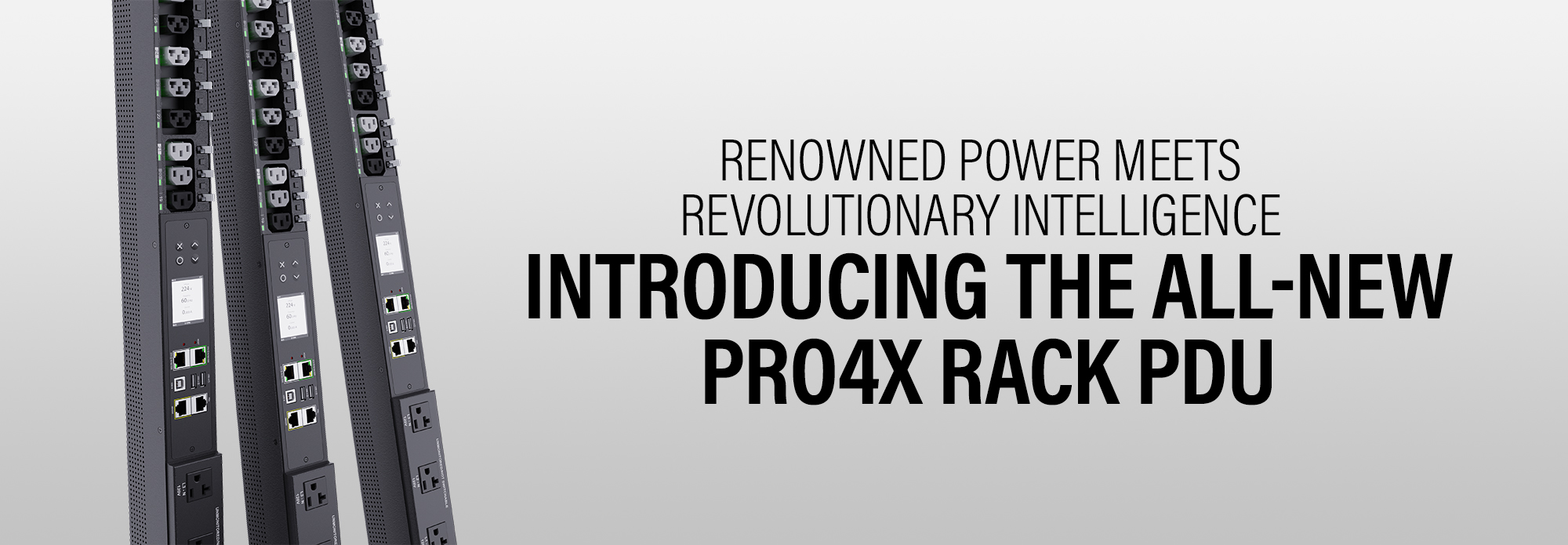
    Server Technology models — PRO3X, PRO4X
    Only intelligent devices are supported; basic, non-networked devices are excluded.

    Device Management

    Up to 1,000 devices

    Deployment Model

    Self-hosted virtual server, deployed from an ISO image on customer-managed virtual infrastructure

    Hypervisors

    Validated Hypervisors (x86_64 only): VMware ESXi, VMware Workstation (Windows 11), Proxmox Virtual Environment (PVE), VirtualBox (Windows 11).
    Additional x86_64 hypervisors may work but have not been officially validated.

    Hardware (minimum)

    1 CPU, 2 GB RAM, 30 GB disk, 1 NIC, BIOS boot mode

    Hardware (recommended)

    2 CPU, 4 GB RAM, 60 GB+ disk, 1 NIC, BIOS boot mode

    Browsers

    Validated Browsers: Firefox, Safari (Mac), Google Chrome, Microsoft Edge, iOS — no client software required.
    Additional modern browsers may work but have not been officially validated.

    GUI Languages

    English

    Operations

    Customer-managed backups with updates and patches delivered as installable binary packages

    Licensing

    Complimentary — no recurring license or update fees

  • Frequently Asked Questions

    How many devices can IDM support?

    IDM 1.0.1 can support up to 1,000 Xerus-based devices, including intelligent PRO3X and PRO4X Rack PDUs.

    Is there an auto-discovery device feature?

    IDM Device Discovery Feature locates Xerus-based devices, easing installation and device setup.

    Where can I download updates to IDM?

    IDM updates can be downloaded from the Server Technology Support Portal.

    DOWNLOADS

    A customer Support account is required to access IDM software downloads, technical documentation, and support resources. If you already have a Support account, please login. Once logged in, navigate to the IDM section to access available files.

    For users of Server Technology Xerus-based Devices:

    Support Account Login

    Create a Support Account